
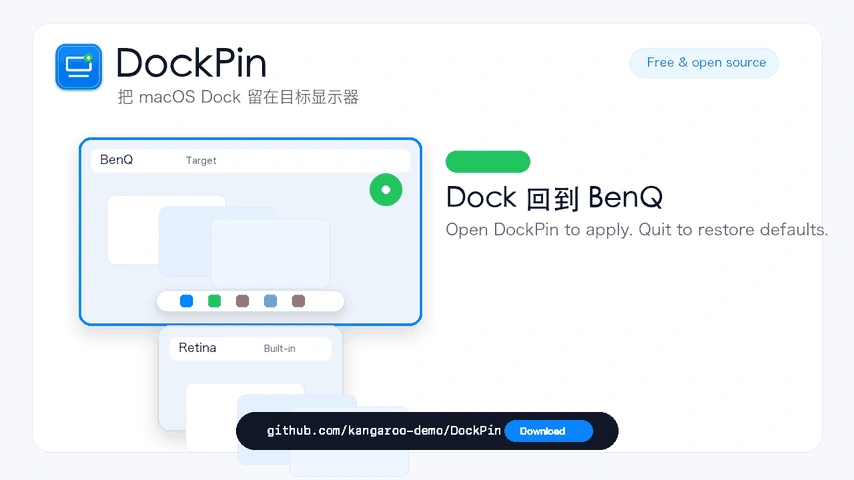
Upper screen. Dock included.
Keep the native Dock above, switch apps on other screens, and restore your chosen target after reconnect or wake.
LESSFUSS · FOR YOUR MAC
Useful Mac apps for the little things that interrupt your day. Built around familiar habits, with one clear job and room for you to get on with your work.
Take what you need.
Each app stands on its own. There is no need to install the whole collection.
Products
Choose by the job you want to do. Each product has its own pace, purpose and release status.
Keep the native Dock above, switch apps on other screens, and restore your chosen target after reconnect or wake.
Check Chinese holidays and make-up workdays without a separate search. Lunar dates and your own local events share the same calendar.

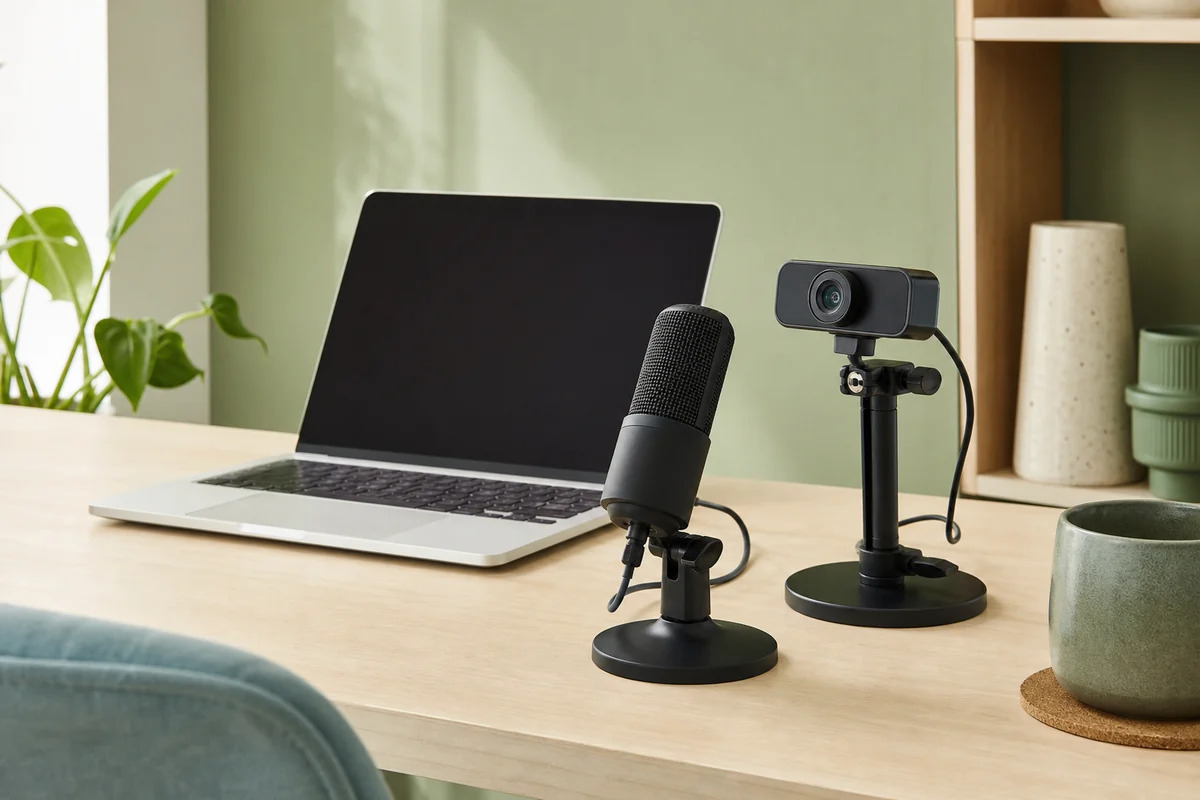
Check your camera and audio signal before the take. Pause for interruptions, then save an MP4 to the folder you chose.
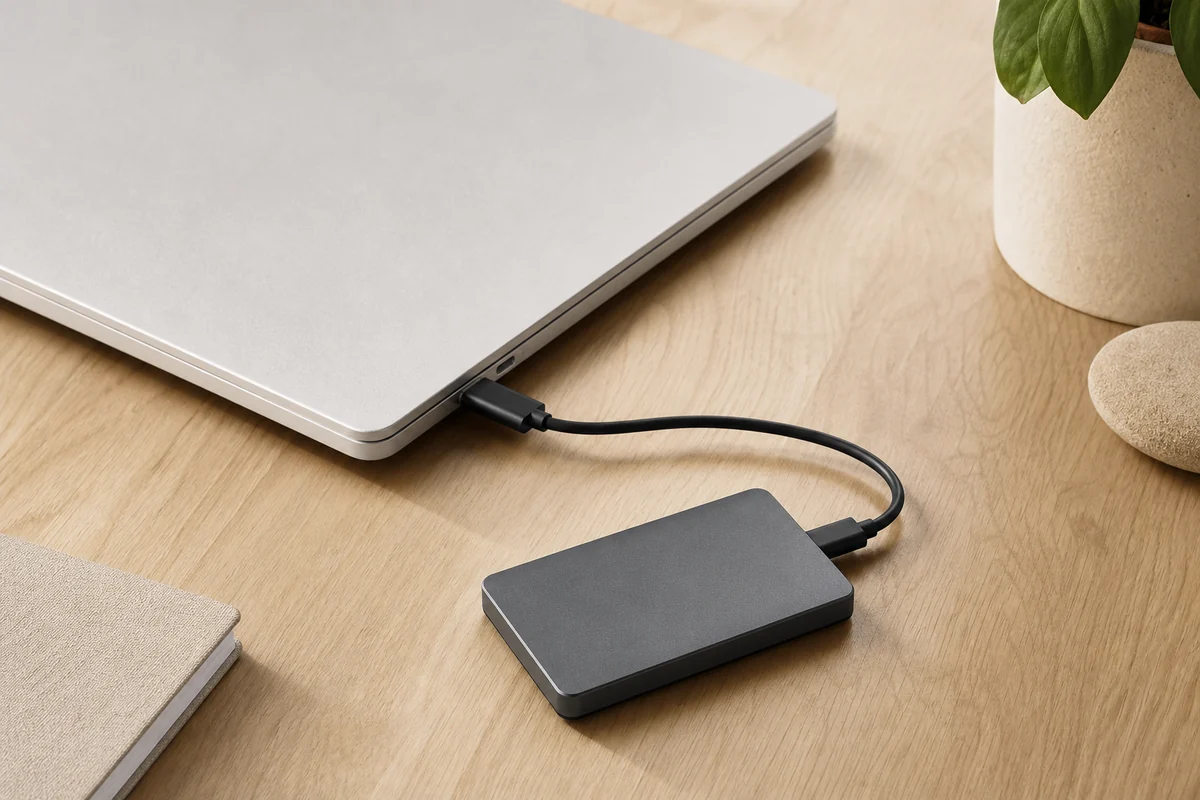
See which volume is read-only and confirm the drive before ejection. If macOS refuses, get a clear message to leave it connected.
Our approach
Another account, another dashboard, another system to learn. Software can add work before it helps. We would rather start with a familiar task and make that one thing easier.

A Dock on the right display. A date at a glance. A camera recording saved as a file. A disk with a clear state. A small, useful job gives the product a boundary as well as a purpose.
Keep everyday controls in the menu bar, use familiar Mac interactions and let a finished task end. You should not need the entire collection to get something useful from one app.
A preview is a preview. A source build asks more of you than a download. We show those differences, including permissions and dependencies, so you can decide whether a tool fits your day.
Small is a choice about what deserves your attention. It takes care to get there.
Before you install
Start with the app that fits your Mac and your task. The product page explains its current version, setup and limits.
DockPin and LumaRec have Apple Silicon releases. Daylight has an Apple Silicon preview. Each product page explains installation and first launch.
DiskFerry remains in development. Its product page explains what is ready, what needs testing and how to build from source.
Every app links to its own installation notes and issue tracker. Choose a product above to find the right place for help.
No. They are separate applications with separate installation and release histories. Choose the one you need.
All four application projects use the MIT license. You can use them independently and read or build their source on GitHub.
Use each product’s project and release links. DockPin, Daylight and LumaRec have public downloads; DiskFerry has no installer release yet.
Open the documentation or Report an issue link on the product page. Include your app version, macOS version and a description of what happened.


